
Manufacturer Overview
Once you click on the company name under browse results the company navigation page is displayed. The company navigation bar is categorized into 9 components. They are Overview, Products, Galleries, Catalog, CEU, News, RFI, Contact and BTS.
Company’s Overview is displayed by default.
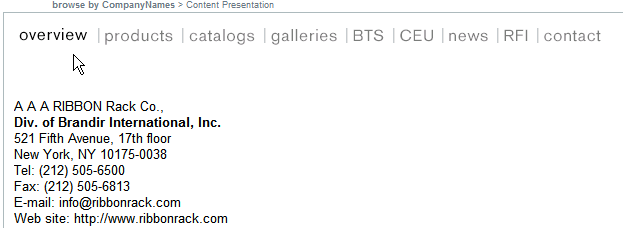
Above is an example of a company’s overview. The product displayed in the company overview is company’s choice. Manufacturers of the products behold the right to choose what product they would like their customers to see when they are inside company’s overview section of the Sweets Network. The manufacturer of the product provides you their contact information and a detailed description of the product that’s being displayed in the overview.
Note: You can also find the manufacturers contact details by clicking on the Contact tab.