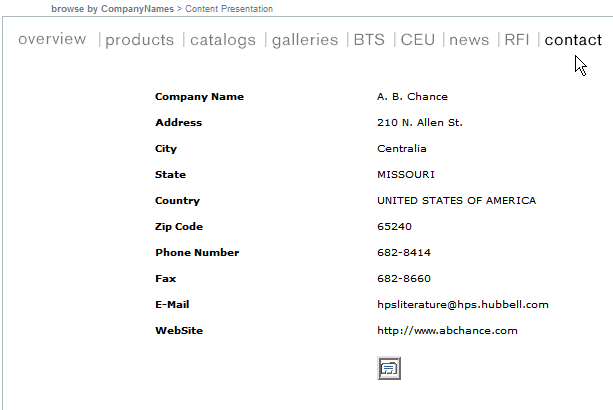
Contact
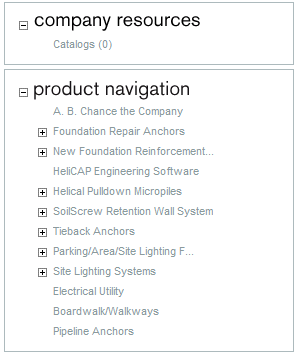
Once you click on the company name under browse results the product navigation and the company navigation page is displayed.
By clicking on the contact tab under the Company navigation, you will be able to view the company contact information. Its gives you all the information you as a consumer or a manufacturer might need to communicate with the company.
You can find the location of the company, their phone number, their fax number, their email address, their website information and depending on the company there might be some more information which might be useful to the customers. Also below the website information you see a Microsoft Office Outlook logo. Clicking on that logo will allow you to add all the information you see in your Microsoft Outlook contacts.