Search Techniques and Filtering
We are always working hard to help you easily
find what you're looking for. While we don't provide personalized search
assistance, we can offer plenty of tips to help you search more strategically.
Choose your keywords wisely. Select descriptive, specific words.
For example:
(Tilt turn windows) rather than (windows) or (water resistant doors) instead of (doors)
If you're looking for an exact match, try
a phrase search. When you enclose your search query in quotation marks,
you'll only get results for the exact terms you entered in the order you
entered them.
For example:
(“Series 800 casement/projected windows”) rather than (casement windows).
Note: You need to be a registered user view CAD details and 3 part specs.
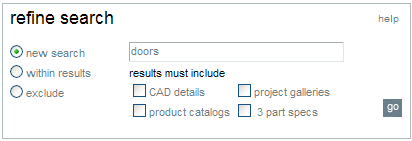
You can also use our Refine Search feature
to filter your search results.
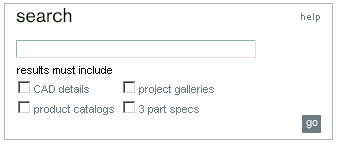
After clicking "go" in the original search box, it becomes refine
search. Here
you will
be able to search a totally new item, search within search results or
exclude results by selecting the appropriate boxes underneath.